You tap your phone at the coffee shop, the terminal beeps, and you’re done. No card, no PIN pad fumbling. But is that convenience quietly trading away your security? It’s a fair question, and the honest answer is more nuanced than “yes” or “no.”
Digital wallet use is no longer a niche habit. Industry estimates put the number of digital wallet users worldwide at more than 5.3 billion in 2026, over half the planet. That kind of scale means Apple Pay, Google Pay, and Samsung Pay aren’t experimental anymore. They’re infrastructure. So it’s worth understanding, in plain terms, what actually happens when you tap your phone instead of swiping a card, and where the real risks still live.
What a Digital Wallet Actually Is
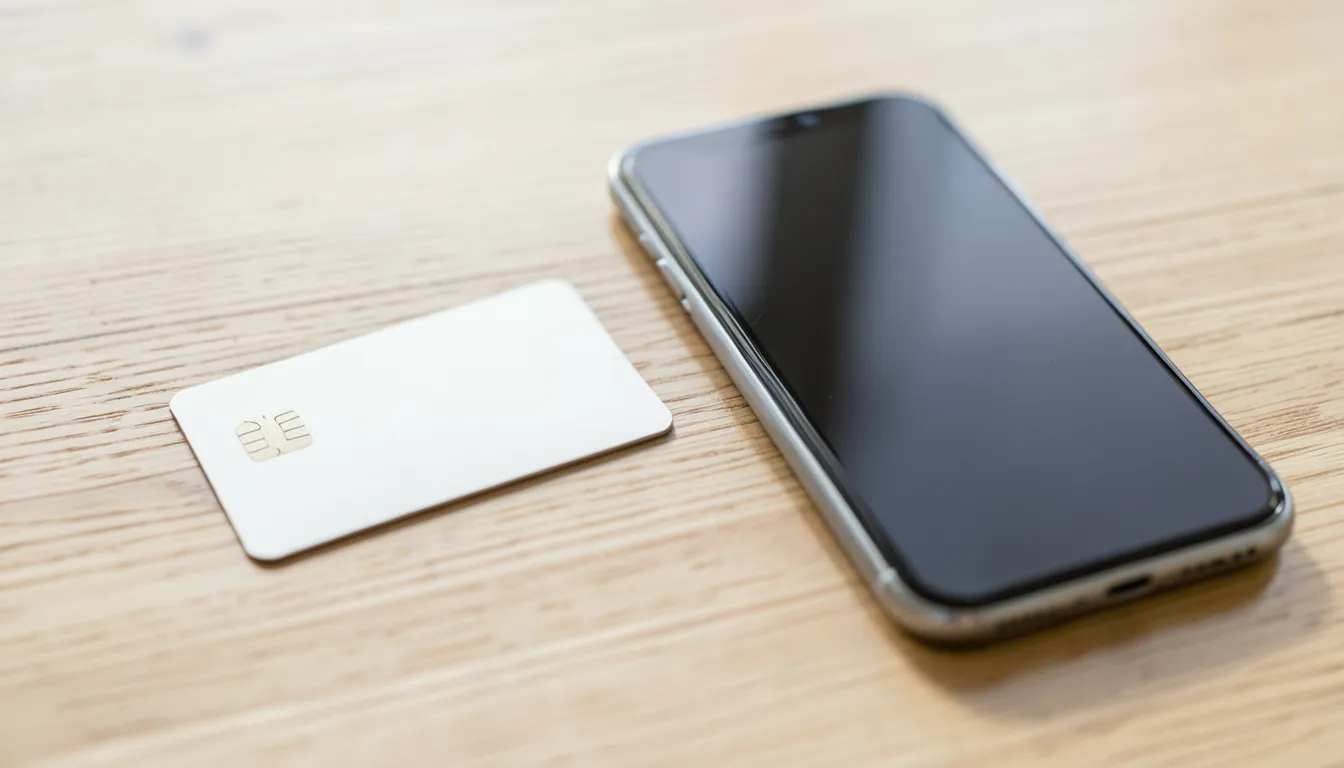
A digital wallet is an app, usually built into your phone, that stores a digital version of your payment cards so you can pay by tapping your device instead of handing over plastic. Apple Pay, Google Pay, and Samsung Pay are the big three in the U.S., and most banks let you add your existing debit or credit card in a few minutes.
Here’s the part most people skip past: the wallet doesn’t just take a photo of your card and store it. It replaces your card number with something else entirely. That “something else” is called a token, and it’s the whole reason digital wallets can be safer than the card sitting in your physical wallet right now.
Tokenization, Explained Without the Jargon
When you add a card to a digital wallet, the wallet provider doesn’t store your real card number on your phone or send it to the merchant. Instead, it asks your card network (Visa, Mastercard, and so on) to generate a token: a substitute number tied to your specific device and that specific card.
Every time you tap to pay, your phone sends the token, plus a one-time cryptogram unique to that single transaction, to the merchant’s terminal. The merchant’s system never sees your actual card number. Even the coffee shop’s payment processor only ever handles the token.
That matters because of what happens if a merchant gets breached. Retail data breaches happen constantly, and when they do, hackers are usually after stored card numbers they can resell or reuse. A stolen token is close to worthless outside its original device and app. It can’t be typed into an online checkout form. It can’t be cloned onto a fake card and used somewhere else. The token that leaked from Retailer A’s breach doesn’t work at Retailer B, and it doesn’t work for Retailer A either, once it’s out of that one encrypted transaction.
That’s the core security upgrade over a physical card, whose 16-digit number is the same everywhere it’s used, which is exactly why it’s so valuable to steal.
Digital Wallet vs. Physical Card: A Risk-by-Risk Comparison
No payment method is risk-free. The honest way to compare them is to look at how each one holds up against the specific ways payment fraud actually happens.
| Risk scenario | Physical card | Digital wallet |
|---|---|---|
| Card skimming at a gas pump or ATM | Real card number captured and can be cloned | Not exposed. No card number is transmitted or stored on the terminal |
| Merchant data breach | Real card number may be stored in the breach and resold | Only a device-specific token is exposed, generally unusable elsewhere |
| Lost or stolen wallet or phone | Anyone who has the card can attempt to use it immediately | Locked behind a passcode, Face ID, or fingerprint; can be remotely suspended |
| Online checkout fraud | Card number can be entered anywhere once known | Wallets like Apple Pay use device-based authentication at checkout, reducing reuse of stolen numbers |
| Phishing or social engineering | You could be tricked into reading out your card number | You could still be tricked into approving a fraudulent transfer or adding a stolen card; the wallet itself doesn’t stop this |
That last row is the one worth sitting with. Tokenization protects the payment credential itself. It doesn’t protect you from being manipulated into authorizing something you shouldn’t. That distinction shows up again below.
The Layer Most People Don’t Think About: Biometrics
Every major digital wallet requires some form of device authentication before a payment goes through, usually Face ID, a fingerprint, or a passcode. That’s a meaningful second lock on top of tokenization. Even if someone physically has your phone, they generally can’t complete a tap-to-pay transaction without also unlocking it.
Compare that to a physical card, which requires nothing more than possession (and sometimes a PIN or signature that’s easy to fake) to be used. If your phone is protected by biometrics and a strong passcode, in practice you’ve added a checkpoint that a lost or stolen card simply doesn’t have.
Where the Real Risk Still Lives
None of this means digital wallets are immune to trouble. The risk has just moved. Instead of worrying about your card number getting skimmed, the realistic threats are:
- Phishing into the wallet itself. Scammers have impersonated banks by text or phone to trick people into adding a stolen or newly-issued card to their own digital wallet, effectively handing over control of a live payment method.
- An unlocked, unattended phone. If your device doesn’t require biometrics or a passcode to open, or if it’s already unlocked when it’s lost, the wallet’s main protection is gone.
- Weak account recovery habits. A compromised email or phone number tied to your Apple ID or Google account can, in some cases, be used to reset access to the wallet ecosystem itself.
- Authorized-payment scams. Tokenization can’t stop you from willingly approving a payment to a scammer who has convinced you it’s legitimate. That’s a human problem, not a technical one, and it’s the same weakness that affects Zelle, Venmo, and other payment apps.
In other words, the technology solved the “stolen card number” problem quite well. It didn’t, and can’t, solve the “tricked into approving something” problem. That one is on habits, not encryption.
A Few Habits That Do the Rest of the Work
If you already use a digital wallet, a handful of simple habits close most of the remaining gaps:
- Lock your phone with Face ID, a fingerprint, or a strong passcode. This is the single biggest factor in whether a lost phone becomes a payment risk.
- Turn on Find My iPhone or Find My Device. Both let you remotely lock or wipe a lost device before anyone gets to your wallet.
- Enable transaction alerts on your bank’s app so you see a charge within seconds, not at the end of the month.
- Never add a card because someone texted or called you asking you to. Banks don’t ask you to add a card to Apple Pay over the phone. If you get that request, hang up and call your bank directly using the number on the back of your card.
- Consider passkeys where they’re offered. Many banks are moving away from passwords entirely for account access, which closes off a different but related attack path. It’s worth reading how passkeys are replacing bank passwords if you want the full picture.
What About Contactless Cards vs. Digital Wallets?
Some newer physical cards also support tap-to-pay using near-field communication (NFC), the same technology digital wallets use. These contactless cards do add a layer of protection over swiping or inserting, since the transaction still uses a form of dynamic data rather than a static magnetic stripe read.
But a contactless card still displays your actual card number, expiration date, and security code on its face, and that number is what gets transmitted at checkout in many implementations. It doesn’t have the device-level biometric lock a phone has, and if it’s lost, whoever finds it can typically tap it to pay without unlocking anything. A digital wallet on a locked phone is a meaningfully higher bar to clear.
A Word on QR Codes and Other Wallet-Adjacent Risks
Tokenization protects the payment itself, but scammers have gotten creative about the moment before a tap or scan happens. Fake QR codes stuck over legitimate ones at parking meters and storefronts, for example, can send you to a lookalike payment page before your wallet’s protections ever come into play. Worth knowing the pattern; we cover it in more detail in our piece on how QR code scams work.
It’s also worth noting that some of the fastest-growing payment features, like Buy Now, Pay Later options now embedded inside several wallets, carry their own separate considerations that have nothing to do with tokenization. If you use BNPL through a wallet or a standalone app, it helps to understand how those purchases can affect your credit score now that they’re being reported differently.
The Bottom Line
Are digital wallets safe? Based on how tokenization and device authentication actually work, yes, they’re generally a safer way to pay than swiping or inserting a physical card, particularly against skimming and merchant data breaches. That advantage depends on you locking your phone and staying alert to phishing attempts asking you to add a card. The technology handles the math. You still have to handle the judgment calls.
This article is for general educational purposes and isn’t financial or security advice. Bank and network fraud protections, biometric requirements, and available features can vary by device, card issuer, and digital wallet provider, and details may change after publication. For guidance specific to your accounts, check with your bank or card issuer, or consult resources from the Consumer Financial Protection Bureau (CFPB) and the Federal Trade Commission (FTC).
Frequently Asked Questions
What are the risks of using a digital wallet?
The main risks aren’t in the tokenization technology itself. They’re phishing attempts that trick you into adding a stolen card to your wallet, an unlocked phone falling into the wrong hands, and authorized-payment scams where you’re convinced to approve a fraudulent transfer. Keeping your device locked and verifying requests before adding a new card addresses most of this.
Are digital wallets safer than debit cards?
In most everyday scenarios, yes. Digital wallets remove the risk of a physical card being skimmed or its number being exposed in a merchant breach, since they transmit a token instead of your real account number. They also add a biometric or passcode lock that a debit card doesn’t have.
What is the safest digital wallet to use?
The major wallets, Apple Pay, Google Pay, and Samsung Pay, all use tokenization and require device authentication, so the security architecture is similar across them. The bigger factor tends to be how you secure the phone itself: a strong passcode, biometrics enabled, and remote-wipe tools like Find My turned on.
How can I protect my credit cards from being scanned in my wallet?
Genuine wireless “skimming” of a tapped card from a distance is far less common in practice than headlines suggest, since most contactless transactions require close proximity and use dynamic transaction data. If it’s still a concern, an RFID-blocking sleeve or wallet is a low-cost option. For digital wallets specifically, the token-based design already limits what a would-be skimmer could capture.
Are digital wallets safe from hackers?
No system connected to the internet is hacker-proof, but digital wallets are built so that a breach of the merchant or a stolen phone doesn’t hand over your actual card number. The token used for a transaction is tied to your specific device and generally can’t be reused elsewhere, which limits what a hacker gains even in a worst-case scenario.
Is the Wallet app safe on iPhone?
Apple’s Wallet app relies on the same tokenization standard used across the industry, plus Face ID or Touch ID for every payment. It doesn’t store your actual card number on the device or on Apple’s servers, so even if your iPhone were compromised, the card data itself isn’t sitting there in plain form.