If you circled October 2026 on the calendar as the month your Windows 10 laptop finally had to go, you can put the marker down. Microsoft moved the date.
In late June 2026, according to press reports, Microsoft quietly updated its support pages with no big announcement. The consumer Extended Security Updates (ESU) program for Windows 10 now runs through October 12, 2027. That’s a full extra year of critical and important security patches for home PCs. If your computer is already enrolled, coverage continues automatically. Nothing to click.
Good news, mostly. But “extra time” is only useful if you use it well, and plenty of people may not know whether their PC is even enrolled.

What actually changed
Quick history lesson. Windows 10’s official support ran out on October 14, 2025, and from that Tuesday on, a plain Windows 10 machine stopped getting anything: features, bug fixes, security patches, all of it. Unless it’s in ESU.
ESU was originally a one-year bridge for consumers. Now it’s two. Here’s the short version:
- New end date: October 12, 2027, for personal devices.
- Already enrolled? Your coverage carries over. No new fee, no new sign-up.
- Not enrolled yet? You can still enroll any time until the program ends.
- Work PCs: this is the consumer program. Devices joined to a company domain or managed by an employer’s IT department aren’t eligible and follow separate, paid business rules.
How to enroll for free (or close to it)
You need a PC running Windows 10 version 22H2 (Home, Pro, Pro Education or Workstations) and a Microsoft account that is an administrator on that PC. Then go to Settings > Update & Security > Windows Update and click Enroll now under the Extended Security Updates notice.
Three ways in:
| Option | Cost | What you give up |
|---|---|---|
| Sync your PC settings to your Microsoft account | $0 | Your settings get stored in Microsoft’s cloud |
| Redeem Microsoft Rewards points | 1,000 points | Points you could have used elsewhere |
| One-time purchase | $30 (plus tax) | $30 |
Enrollment options can vary by region, so confirm what Microsoft offers for your country.
One ESU license can cover up to 10 devices on the same Microsoft account. So a household with a couple of aging laptops doesn’t need to pay twice.
Which would I pick? The free settings-sync route, for most people. Zero dollars, and your settings end up saved somewhere, which is handy the day you move to a new machine. Oh, and keep using the Microsoft account you enrolled with; don’t swap.
What ESU does not do
This part gets skipped a lot. ESU is a security patch stream. Period.
- No new features.
- No fixes for non-security bugs.
- No general technical support.
Your PC keeps working, and it keeps getting patched against critical and important threats. No upgrades, though. Two exceptions worth knowing about, since lots of people use both: Edge, which Microsoft says will keep updating on Windows 10 22H2 until at least October 2028, and the Microsoft 365 Apps (Word, Excel and friends), which get security fixes until October 10, 2028 even though Microsoft no longer supports them on Windows 10. Everyone else? Your printer software, your tax app, that game launcher could bail on Windows 10 much earlier.
Could this PC just run Windows 11?
Check first. It takes two minutes. Download Microsoft’s free PC Health Check app and let it judge. Behind the scenes it’s looking for things like a compatible 64-bit processor, 4 GB of RAM, 64 GB of storage, UEFI Secure Boot and TPM 2.0.
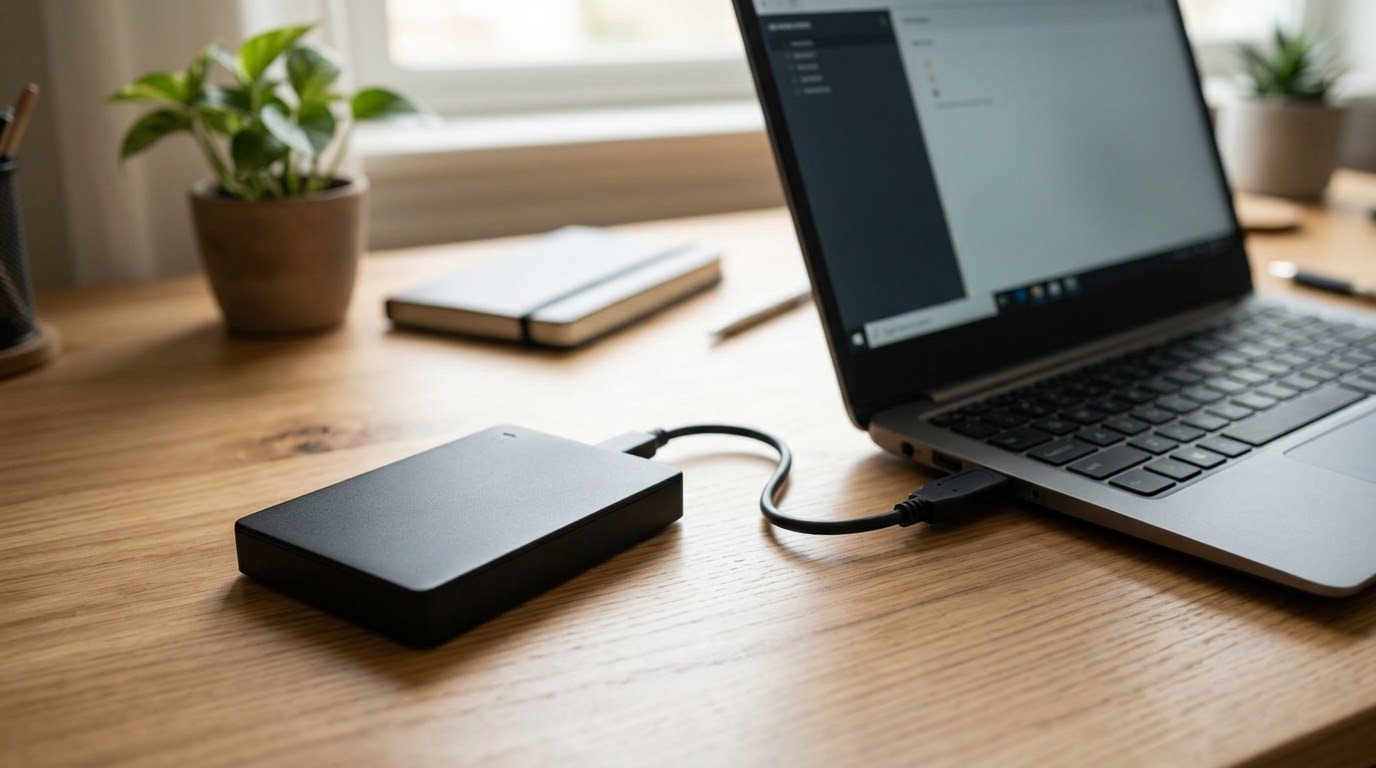
Green light? If your eligible Windows 10 PC meets Windows 11 requirements, Microsoft currently offers the upgrade at no additional charge, and free is a hard price to beat. Catch? Windows 11 Home insists on internet and a Microsoft account at setup. Oh, and copy your files off first. External drive, cloud folder, a USB stick for the small stuff.
If the answer is no, the extra year is your planning window. Not a reason to panic-buy on Black Friday.
Your options, compared
| Path | Upfront cost | Security updates | Best for |
|---|---|---|---|
| Stay on Windows 10 with ESU | $0 to $30 | Until Oct 12, 2027 | PCs that can’t run Windows 11 and still work fine |
| Upgrade to Windows 11 | $0 if eligible | Ongoing | PCs that pass PC Health Check |
| Switch to ChromeOS Flex | $0 | According to Google’s support period for that certified model | Older laptops used mostly for browsing and email |
| Buy refurbished or new | Varies | Ongoing | PCs that are slow, broken, or too old for anything else |
ChromeOS Flex deserves a mention. It’s Google’s and it’s free. ChromeOS Flex can run on many older PCs and Macs, but Google recommends certified models; check the certified-model list and its support end date before relying on it long term. Also, a full install erases everything on the drive, so back up first, and maybe test-drive it from a USB stick before committing. For a laptop that only runs a browser, it can add years.
Thinking about replacing it? A refurbished machine can cost far less than new. Warranties and what to poke at before paying are covered in our take on whether refurbished tech is worth it.
Twelve months, four moves
This week. Open Windows Update and confirm your PC is enrolled in ESU. If it isn’t, enroll. Then run PC Health Check.
Before the end of 2026. If you’re eligible, back up and upgrade to Windows 11. If you’re not, write down what you actually use the PC for. Browsing and email? Photo editing? Games? Be honest with that list. It, not a sales flyer, tells you what to buy later. Maybe nothing.
Sometime in 2027. Sales will come and go. Buy when the plan says so; a flashing banner doesn’t get a vote. Aim to have your replacement set up well before October 12, 2027.
Retirement day for the old PC. Back up, sign out of your accounts, and reset it (Settings > Update & Security > Recovery > Reset this PC, remove everything); only then does it go to a buyer, a donation bin, a trade-in program or a recycler. The EPA adds two rules I’d tape to the lid: delete personal information first, and keep lithium-ion batteries out of household trash and curbside recycling. Our roundup of apps to sell used stuff compares fees.

Staying safer in the meantime
ESU patches Windows. It doesn’t patch you. Still on Windows 10 every day? Then boring wins. Defender switched on, or some other antivirus with a decent reputation. Browser updated. Two-factor authentication on your bank and your email, the accounts thieves care about most. Haven’t done that last one? Here’s how to turn on two-factor authentication.
One more thing. A pop-up or a phone call from “Windows 10 support” asking for money to keep you secure? Close it. Hang up. Microsoft’s ESU enrollment happens inside Windows Update, not through a stranger on the phone.
Your to-do list for this week
- Check your ESU status under Settings > Update & Security > Windows Update.
- Not enrolled? Pick free settings sync, 1,000 Rewards points, or $30.
- Run PC Health Check to see if Windows 11 is a free option for you.
- Back up your files. Every option above starts there.
- October 12, 2027. Fridge, phone, sticky note on the monitor. Somewhere.
Disclaimer: This article is for general information only and does not constitute technical, financial, or legal advice. Program terms, dates and requirements can change; confirm the current details on Microsoft’s official Windows 10 ESU pages before making decisions.
Frequently Asked Questions
Is Windows 10 still usable in 2026, honestly?
Mostly, if your PC is in ESU and your browser and antivirus stay current. Skip ESU and it’s a different story: no security patches since October 14, 2025, and the risk only climbs from there.
Will the second ESU year cost me anything?
No. Microsoft says already-enrolled devices are automatically covered through October 12, 2027.
How much does Windows 10 ESU cost?
For home users, it can be free if you sync your PC settings. Don’t want to sync? Then it’s 1,000 Microsoft Rewards points, or $30 once (plus applicable tax).
Do I still get Windows 11 for free?
If your PC runs Windows 10 version 22H2 and clears the Windows 11 hardware bar, yes. PC Health Check will tell you which side of that bar you are on.
And after October 12, 2027?
As things stand, consumer ESU ends that day and the security updates stop. Your PC won’t brick itself; it boots, it runs. It just gets riskier online every month after.
Sources
- Microsoft: Windows 10 Extended Security Updates (www.microsoft.com/en-us/windows/extended-security-updates)
- Microsoft Support: Windows 10 support has ended (support.microsoft.com/en-us/windows)
- Microsoft: Windows 11 specifications and system requirements (www.microsoft.com/en-us/windows)
- Microsoft Learn: Microsoft 365 Apps on Windows 10 (learn.microsoft.com/en-us/end-of-support)
- Microsoft Learn: Microsoft Edge supported operating systems (learn.microsoft.com/en-us/deployedge/microsoft-edge-supported-operating-systems)
- Google: ChromeOS Flex (chromeos.google/products/chromeos-flex) and certified models list (support.google.com/chromeosflex/answer)
- EPA: Electronics donation and recycling (www.epa.gov/recycle/electronics-donation-and-recycling)
- BleepingComputer: Microsoft quietly extends free Windows 10 ESU support to October 2027 (www.bleepingcomputer.com/news/microsoft)